A Simple Guide to Improving Your Wi-fi Signal in Every Room
I still remember the day I tried to record a podcast episode from my home office, only to have my internet connection drop every five seconds. It was like the universe was conspiring against me to make my _comedy gold_ turn into a cringeworthy mess. But then it hit me – I needed a reliable a guide to improving the Wi-Fi signal in my home. I mean, who doesn’t want to stream their favorite shows or upload their latest stand-up comedy special without any hiccups? It’s all about finding that perfect balance between technology and sanity.
As someone who’s spent countless hours perfecting their craft, I’m excited to share my honest, no-hype advice on how to boost your Wi-Fi signal. In this article, you’ll get the lowdown on practical tips to improve your internet connection, from the best router placement to clever ways to reduce interference. My goal is to make you laugh, nod your head in recognition, and maybe even learn a thing or two about taming the Wi-Fi beast. So, grab a snack, get comfy, and let’s dive into the wonderful world of Wi-Fi wizardry – all while I’m wearing my trusty novelty socks, of course!
Table of Contents
Guide Overview: What You'll Need
Total Time: 1 hour 30 minutes
Estimated Cost: $20 – $100
Difficulty Level: Easy
Tools Required
- Wireless Router (with updated firmware)
- Wi-Fi Analyzer App (for smartphone or tablet)
- Ethernet Cable (for connecting devices)
- Drill (for installing Wi-Fi range extender)
- Ladder (for accessing high shelves or ceiling)
- Measuring Tape (for measuring distances between devices)
Supplies & Materials
- Wi-Fi Range Extender
- Wi-Fi Signal Booster
- Ethernet Switch (for connecting multiple devices)
- Power Strip (for managing cords and cables)
- 2 inches x 4 inches lumber (for mounting Wi-Fi range extender)
Step-by-Step Instructions
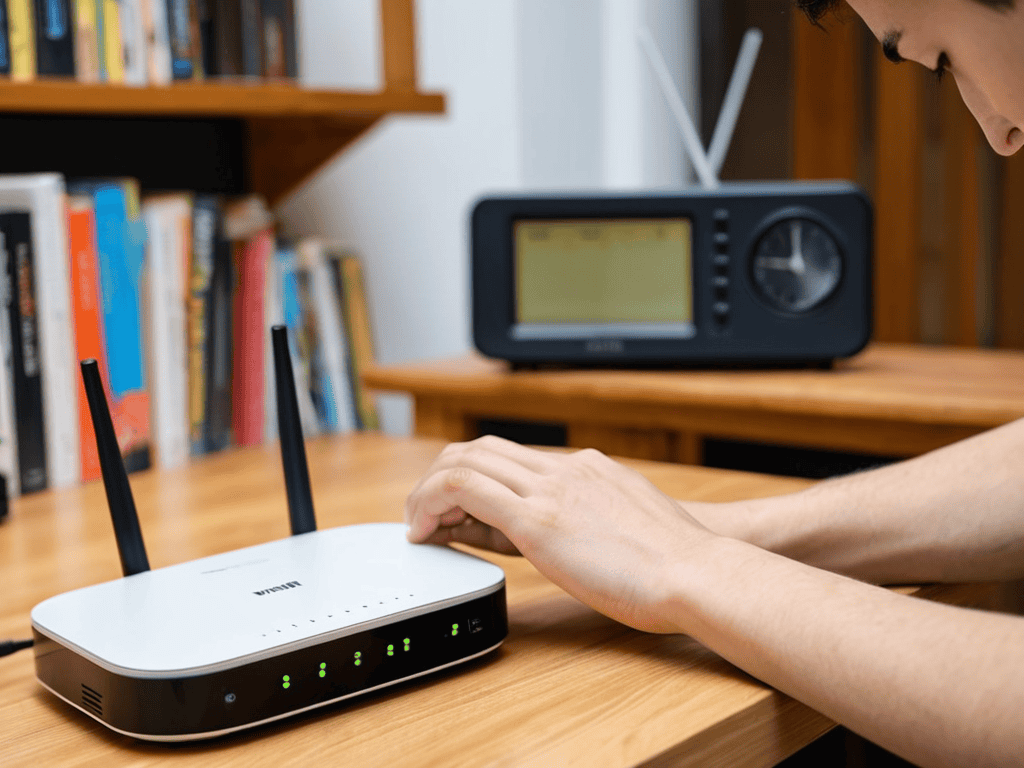
- 1. First, let’s get down to business and optimize your router’s placement. I mean, think about it, your router is like the comedian of the house – it needs to be in a central spot to really bring the laughs… or in this case, the Wi-Fi signal. So, try to place it in a spot that’s elevated, like on a shelf or mount, and away from walls and obstructions. Trust me, it’s like finding the perfect joke – it’s all about the delivery.
- 2. Next up, it’s time to update your router’s firmware. Now, I know what you’re thinking, “Sandra, this sounds like a total snooze-fest.” But hear me out, updating your firmware is like getting a new pair of novelty socks – it’s a game-changer. It can improve your router’s performance, fix security issues, and even add new features. So, head to your router manufacturer’s website, download the latest firmware, and follow the instructions to update. Easy peasy.
- 3. Now, let’s talk about Wi-Fi channels. You see, most routers come with a default channel setting, but this can lead to interference from other devices in your home. It’s like trying to do a stand-up comedy set in a crowded coffee shop – it’s hard to get a word in edgewise. So, use tools like Wi-Fi Analyzer to scan for nearby networks and switch to a less crowded channel. This will help reduce interference and improve your Wi-Fi signal.
- 4. Time to get a little technical and talk about Quality of Service (QoS) settings. Essentially, QoS allows you to prioritize certain devices or applications on your network, ensuring they get the bandwidth they need. It’s like being the host of a comedy club – you need to make sure the headlining act gets the spotlight. So, check your router’s settings to see if QoS is available, and set it up to prioritize devices like your smart TV or gaming console.
- 5. Next, let’s reduce signal interference from other devices in your home. You know, things like microwaves, cordless phones, and baby monitors can all interfere with your Wi-Fi signal. It’s like trying to do a comedy set with a bunch of hecklers in the audience – it’s distracting and annoying. So, try to move these devices away from your router, or switch to devices that use a different frequency.
- 6. Now, I know some of you might be thinking, “Sandra, I’ve tried all of the above and I still have a spotty Wi-Fi signal.” Well, fear not, my friends, because it might be time to consider a Wi-Fi range extender. These devices can help boost your signal and extend its range, making it perfect for larger homes or homes with thick walls. It’s like having a trusty sidekick – they’ve got your back.
- 7. Finally, let’s talk about securing your network. You see, a secure network is like a well-crafted joke – it’s all about the delivery and the punchline. So, make sure to set up a strong password, enable WPA2 encryption, and consider setting up a guest network for visitors. This will help keep your network safe from hackers and other nefarious characters. And trust me, you don’t want any uninvited guests crashing your Wi-Fi party.
A Guide to Improving Wi Fi

As I delved deeper into the world of Wi-Fi optimization, I stumbled upon a treasure trove of useful resources that helped me tame the Wi-Fi beast in my own home. One such gem is a website that offers a plethora of tips and tricks for improving internet connectivity, which I discovered while researching DIY signal boosters for large homes – it’s amazing how a simple tweak can make all the difference. For instance, I found that using a Wi-Fi analyzer app can help identify the best channel for your router, and it’s a game-changer for those of us who live in densely populated areas. If you’re looking for more in-depth guides on Wi-Fi optimization, I highly recommend checking out some online forums and communities, such as sextreffen stuttgart, which may seem unrelated at first glance, but trust me, their approach to connecting people can be applied to connecting devices, and it’s all about finding the right frequency to get the signal just right.
As I delve into the world of Wi-Fi wizardry, I’ve discovered that optimizing router settings is like finding the perfect pair of novelty socks – it’s all about the details. You see, most of us just plug in our routers and hope for the best, but taking the time to tweak those settings can make all the difference. For instance, switching to the best wifi channels for minimal interference can be a game-changer, especially in larger homes where signal congestion is a real issue.
Now, I know what you’re thinking – what about those fancy wi-fi signal boosters for large homes? Well, let me tell you, they can be a lifesaver, especially if you’re dealing with a sprawling mansion or a home with thick walls. But, before you shell out the big bucks, consider trying some DIY wifi range extenders. Not only are they budget-friendly, but they can also be a fun little project to tackle on a lazy Sunday afternoon.
Of course, the key to a strong Wi-Fi signal is all about strategic wifi access point placement. You want to position your router in a spot where it can broadcast its signal freely, without any pesky obstacles getting in the way. And, let’s not forget about reducing wifi signal congestion – it’s like the secret ingredient in your favorite recipe. By minimizing the number of devices competing for bandwidth, you can ensure a smooth, seamless connection that’ll keep you streaming, gaming, and browsing to your heart’s content.
Diy Signal Boosters for Large Homes
So, you’ve got a sprawling mansion or a house that’s just really good at hiding your Wi-Fi signal – don’t worry, I’ve got you covered. For those hard-to-reach areas, consider DIY signal boosters like homemade reflectors or range extenders. I mean, who needs fancy store-bought solutions when you can MacGyver something with a bit of aluminum foil and a paper plate? It’s like my favorite novelty sock – the one with the wonky carrot pattern – it’s all about thinking outside the box (or in this case, the router).
Taming Wi Fi With Optimized Routers
Taming Wi-Fi with Optimized Routers
So, you’ve got your router, and it’s just… existing. Not really doing its job, just kind of… there. Let’s change that. I mean, think of your router like a comedian trying out new material – it needs to be in the right spot, with the right audience, and the right jokes. For your router, that means placing it centrally, updating its software, and maybe even switching to a newer model if yours is older than your favorite joke.
By doing this, you’re essentially giving your Wi-Fi the comedic equivalent of a killer opening line – it grabs attention, sets the tone, and gets everything moving smoothly. And trust me, with the right router tweaks, you’ll be streaming your favorite comedy specials in no time, all while rocking your favorite novelty socks (mine are currently featuring a psychedelic carrot pattern – don’t ask).
Wi-Fi Wizardry: 5 Tips to Make Your Internet Go from Meh to Marvelous
- Treat Your Router Like a Fussy Houseplant: Give it Space and a Good View
- Channel Surfing: Switch to the 5GHz Channel for a Smoother Ride
- Rogue Devices Be Gone: Limit the Number of Gadgets Connected to Your Network
- Sock it to the Interference: Move Your Router Away from Thick Walls and Electronic Interlopers
- Don the Cape of a Wi-Fi Whisperer: Regularly Update Your Router’s Firmware for Superhuman Speeds
The Wi-Fi Wisdom: 3 Key Takeaways
Optimizing your Wi-Fi signal is like finding the perfect pair of novelty socks – it’s all about the right fit, and placing your router in a central location can make all the difference
DIY signal boosters can be a game-changer for large homes, and with a little creativity, you can turn your home into a Wi-Fi wonderland without breaking the bank
Remember, taming the Wi-Fi beast is an ongoing process, so stay vigilant, keep those routers updated, and don’t be afraid to get a little quirky with your Wi-Fi troubleshooting – after all, that’s where the best stories come from
Wi-Fi Wisdom
A strong Wi-Fi signal is like a good joke – it’s all about the delivery, and when it’s on point, the whole room comes alive, but when it’s weak, well, let’s just say you’re left hanging like a punchline without a payoff.
Sandra Daum
Wrapping Up: Stronger Wi-Fi for a Stronger You
In the quest for a stronger Wi-Fi signal, it’s all about tinkering with the basics and embracing a bit of whimsy. From optimizing your router’s position to crafting DIY signal boosters, the journey to better internet is filled with clever hacks and humorous mishaps. Remember, the key to a robust Wi-Fi signal often lies in experimentation and a willingness to think outside the box (or in this case, your router). By applying the steps outlined in this guide, you’ll not only enhance your internet experience but also develop a deeper appreciation for the quirky world of Wi-Fi troubleshooting.
As you embark on this adventure of Wi-Fi optimization, keep in mind that laughter and resilience are your best allies. Don’t be afraid to try new things, laugh at your mistakes, and celebrate your victories, no matter how small they may seem. With each tweak and adjustment, you’re not just improving your Wi-Fi signal; you’re also cultivating a sense of humor and resourcefulness that will serve you well in all aspects of life. So, go forth, dear reader, and may your internet be strong, your socks be quirky, and your sense of humor be sharper than ever.
Frequently Asked Questions
Will moving my router to a different room really make a noticeable difference in my Wi-Fi signal?
Honestly, moving your router can be a game-changer – I mean, have you seen those signal strength diagrams? It’s like they’re wearing my favorite abstract carrot socks, all over the place! But seriously, relocating it to a central spot can significantly boost your Wi-Fi signal, so give it a shot and see if it doesn’t make your internet go from meh to mesmerizing.
How often should I restart my router to ensure optimal performance?
Honestly, restarting your router is like doing a comedy set – it’s all about timing. I’d say restart it every 1-3 months, or when you notice your internet is slower than a heckler’s wit. Trust me, it’s like getting a new pair of socks – it’s a fresh start, and your Wi-Fi (and your jokes) will thank you.
Can using DIY signal boosters interfere with my internet service provider's equipment or violate any terms of service?
Ah, the million-dollar question – will my DIY signal booster get me in trouble with my ISP? Honestly, it’s unlikely, but always check your contract to avoid any pesky fine print. Most ISPs are cool with DIY boosts, but don’t say I didn’t warn you – now, if you’ll excuse me, I have to find my lucky carrot-socks to tackle the next Wi-Fi conundrum!

Leave a Reply
You must be logged in to post a comment.